On-Premises Personal Agents
Run your own personal-agent platform on your own servers, giving each employee or customer a personalized agent that remembers them and acts for them within the permissions you set.
LIVE
Hosted services running on FinAI OS today. Try them in your browser, sign up, and go live without deploying anything.
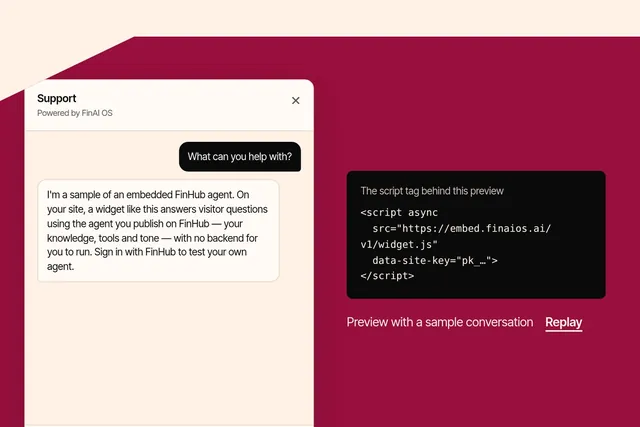
Put an agent you publish on FinHub onto any website with one script tag, in your brand and your visitors' language. Try the playground or sign up at embed.finaios.ai.
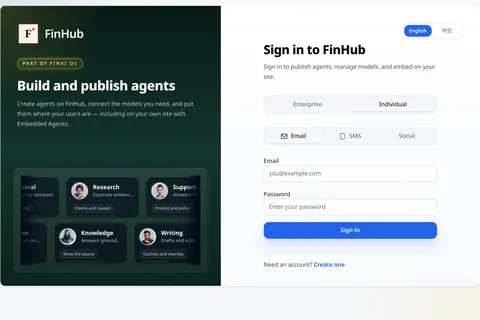
FinHub is the governance and work plane for your company's agents, including the Super Agent work layer. Policy, identity, audit and skills stay on the platform, so you are not locked to one harness.
Guides
Understand how an AI agent sandbox limits tool and code execution, controls file and network access, and differs from approval of a business action.
An AI agent sandbox is an isolated environment for running an agent’s tools and code under explicit access rules. Instead of giving a tool the same reach as the person or server running it, you define which resources it may use.
The practical questions are concrete: which files can it read or change, which network destinations can it reach, and what record will remain after it runs?
Telling an assistant not to open a folder is an instruction to the model. A sandbox provides an execution boundary for the tools and code it runs. The boundary needs to be configured and tested against your environment and threat model.
For an illustrative document task, an agent might need a working folder and one approved service, but not the rest of the user’s files or unrestricted internet access. Those permissions should be explicit rather than inherited by accident.
FinSafe runs each tool call or turn in an isolated process cell under a compiled policy. Its server Sandbox-as-a-Service and desktop isolation substrate share a high-level policy model. The underlying operating-system controls differ by platform.
Network policy can deny access or use host, proxy or allowlist modes. Choose the mode and permitted destinations deliberately; an available policy mode is not the same as an enforced restriction. Executions produce audit records.
FinSafe runs on your servers and provides the isolation core used by FinShield and FinDesk on the desktop. FinSafe provides the isolation core, not the desktop interface or device rollout service.
A sandbox limits how code runs and what it can reach. It does not determine whether a change to an account or order is appropriate under your business rules.
FinGuard checks actions routed to business systems. FinSafe can restrict network access so FinGuard is the permitted route. That requires configuration; it is not a consequence of simply running both products.
Test a permitted file operation, a blocked file operation, an allowed connection and a blocked destination. Review the resulting records, and repeat the checks when policies or workloads change.
Also decide where the model runs. Local execution does not mean prompts or model-visible tool output stay local: a hosted model endpoint receives the data sent to it. Use an approved model and network setup, and keep secrets out of prompts and model-visible output. Audit coverage is platform-dependent; do not assume the sandbox records every conversation.
Explore FinSafe, or talk to a Forward Deployed Engineer about your execution boundaries.