On-Premises Personal Agents
Run your own personal-agent platform on your own servers, giving each employee or customer a personalized agent that remembers them and acts for them within the permissions you set.
LIVE
Hosted services running on FinAI OS today. Try them in your browser, sign up, and go live without deploying anything.
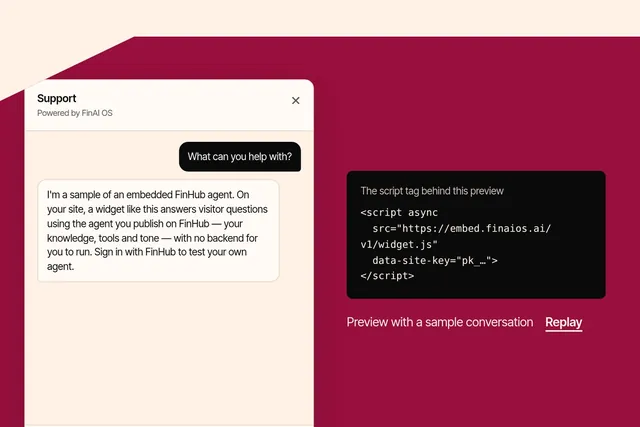
Put an agent you publish on FinHub onto any website with one script tag, in your brand and your visitors' language. Try the playground or sign up at embed.finaios.ai.
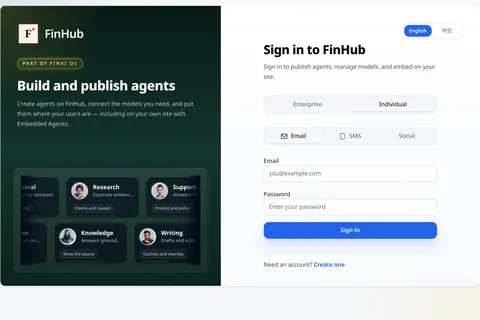
FinHub is the governance and work plane for your company's agents, including the Super Agent work layer. Policy, identity, audit and skills stay on the platform, so you are not locked to one harness.
How to start
Run an agent inside FinShield on your own machine, then add the FinClaw runtime. Both are free to download.
curl -fsSL https://raw.githubusercontent.com/finogeeks/finsafe/main/install.sh | shirm https://raw.githubusercontent.com/finogeeks/finsafe/main/install.ps1 | iexThen create an example policy:
finsafe initRun your agent under FinShield with --audit to get a report of the files and network paths it tried to reach. finsafe explain and finsafe learn help you turn that into a policy.
curl -fsSL https://raw.githubusercontent.com/finogeeks/finclaw-cli/main/install.sh | shThe installer puts the CLI in ~/.local/bin. Add that directory to your PATH, then check with finclaw --version.
Windows
No one-liner. Download the x86_64 Windows archive from the FinClaw CLI releases page, extract finclaw.exe and put it on your PATH, or use WSL2 with the Linux one-liner above.
First run:
finclaw init
finclaw setup
finclaw chatFinClaw starts with a mock model. Add your model provider's key to make real model calls.
Full install guide →Download FinDesk, the desktop app for your agents, from the downloads page.
FinDesk downloads →Grow to your whole company on the same products and policies. Compare ways to start, or talk to FDE about running FinAI OS on your own servers.
FinShield and FinClaw CLI are free to download today, and we plan to open-source them.